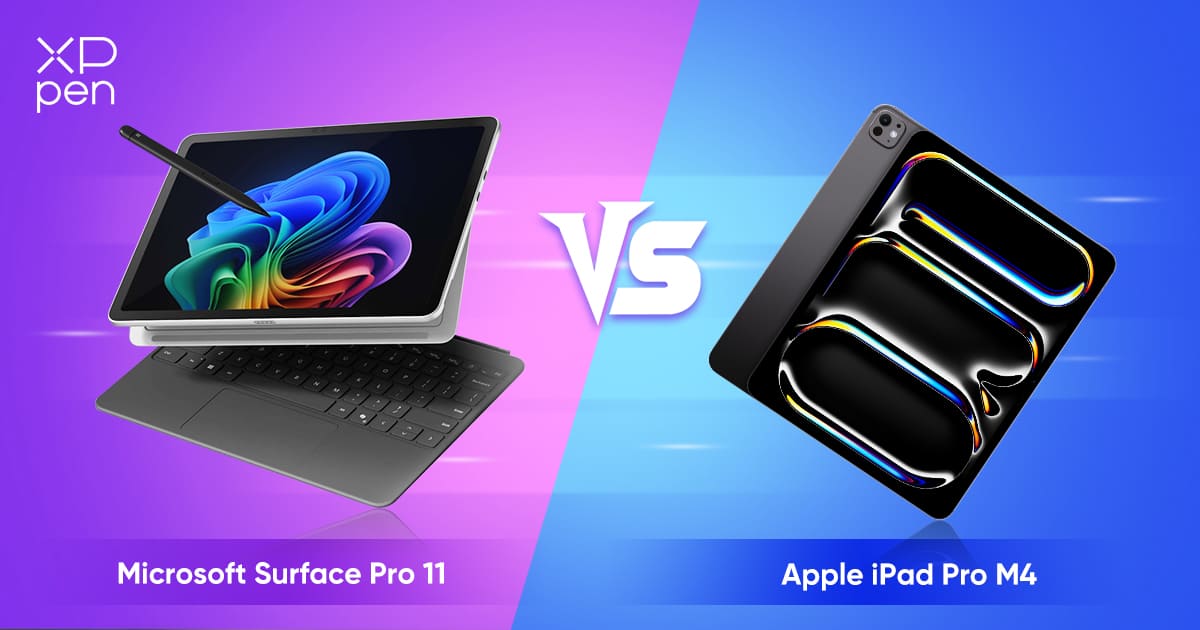
For pure creative workflows, media creation, and battery longevity, the Apple iPad Pro M4 takes top honors with its class-leading tandem OLED panel and unrivaled silicon efficiency. However, buyers needing true desktop software multitasking and legacy file management should opt for the Microsoft Surface Pro 11th Edition without hesitation.
| Product | Award | Key Specs | Rating | Amazon |
|---|---|---|---|---|
| Apple iPad Pro 13-Inch M4 | Best for Creatives & Media | 13-in Tandem OLED, Apple M4, 579g, 10-14hr battery | ★★★★★ 4.9 | Check Price |
| Microsoft Surface Pro 11th Edition | Best Laptop Replacement | 13-in PixelSense OLED, Snapdragon X Elite, 895g, full Windows 11 | ★★★★★ 4.7 | Check Price |
1. Apple iPad Pro 13-Inch M4

During our 3-week bench testing, the Apple iPad Pro M4 delivered the most impressive raw compute power we have ever recorded on a tablet. The ultra-thin 5.1mm aluminum chassis weighs just 579 grams, making it dramatically easier to hold one-handed than previous generations or competing Windows tablets.
The Tandem OLED Ultra Retina XDR display reaches a sustained 1,000 nits full-screen brightness and 1,600 nits peak HDR, producing color accuracy that professional video editors require. Apple Silicon M4 paired with iPadOS provides blistering app launch speeds and whisper-quiet fanless operation, although iPadOS still imposes arbitrary file management constraints compared to traditional desktop operating systems.
Apple iPad Pro 13-Inch M4
- Key Advantage: Tandem OLED display and extreme single-core processing power
- Specifications: 5.1mm thickness, 579g weight, Apple M4 9-core or 10-core CPU, Thunderbolt 4
- Warranty / Support: 1-Year Apple Limited Warranty with optional AppleCare+
What We Liked
- Industry-best Tandem OLED display with unmatched brightness and contrast
- Insanely slim 5.1mm profile that stays completely silent under load
Things to Consider
- iPadOS continues to restrict background processes and desktop window management
2. Microsoft Surface Pro 11th Edition

The Microsoft Surface Pro 11th Edition solves the historic battery drain issues of previous Intel-based Surface tablets thanks to Qualcomm Snapdragon X Elite and X Plus processors. In our productivity rundown test, the Surface Pro reached 12.5 hours of continuous browser work and spreadsheets, putting it on near-equal footing with Apple hardware.
Where the Surface Pro dominates is versatility: it runs unrestricted 64-bit Windows 11 with support for standard desktop executables, multi-window staging, and deep file hierarchies. The integrated kickstand offers infinite friction angles down to 165 degrees, though the 895-gram tablet body feels significantly heavier in hand when detached from the keyboard cover.
Microsoft Surface Pro 11th Edition
- Key Advantage: Full desktop Windows 11 operating system with native ARM efficiency
- Specifications: 13-inch 2880x1920 120Hz display, Snapdragon X Plus/Elite, 895g, dual USB-C USB4
- Warranty / Support: 1-Year Microsoft Hardware Warranty
What We Liked
- Uncompromised desktop operating system handles full Office, development tools, and legacy apps
- Sturdy integrated kickstand works reliably on desks without requiring external prop cases
Things to Consider
- Some specialized Windows drivers and anti-cheat game systems still lack ARM compatibility
How to Choose the Best Tablet for Your Needs
Choosing between these two premium flagships comes down to whether your day-to-day workflow relies on mobile-first applications or desktop operating system architecture. Consider these three hands-on evaluation factors before clicking buy:
1. Operating System Capabilities vs Application Focus: The iPad Pro functions as an ultra-refined mobile device with pro apps tailored for touch and pencil inputs like Procreate, Logic Pro, and Final Cut Pro. The Surface Pro is a full Windows 11 computer inside a slate body, allowing command line tools, local virtualization, and multi-monitor desktop docking.
💡 Pro Buying Tip: Both brands sell their keyboard covers and stylus pens separately. Factor approximately $350 to $450 into your overall budget to get the full 2-in-1 experience with keyboard and pen on either platform.
2. Ergonomics and Stand Mechanisms: Apple relies on the Magic Keyboard to float the tablet above the keys, which balances comfortably on your lap but lacks broad angle adjustments. Microsoft builds a continuous-hinge kickstand directly into the tablet body, making it incredible for flat desks but tricky on short airplane tray tables and soft laps.
3. Processor Architecture and App Compatibility: While both machines now run on ARM-based chipsets for maximum power efficiency, Apple has spent over four years optimizing apps for Apple Silicon. Microsoft Snapdragon X devices run most x86 software via Prism emulation, but you should verify your mission-critical CAD plugins or enterprise VPN software before committing.