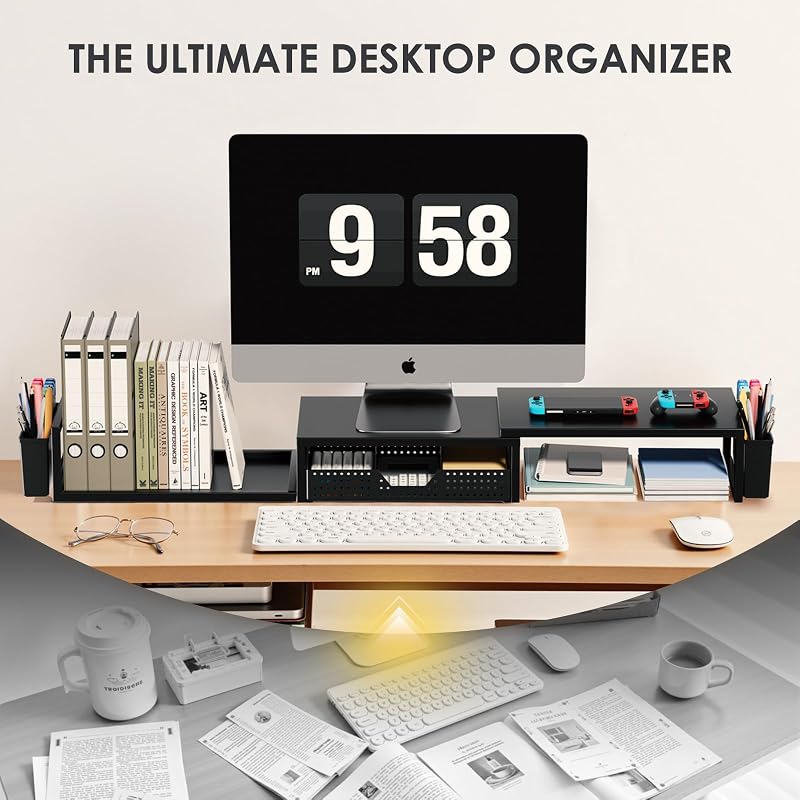
The Logitech MX Master 3S stands out as the ultimate ergonomic upgrade for any desk. Its precision tracking and refined shape significantly reduce wrist fatigue during long sessions.
| Product | Award | Key Specs | Rating | Amazon |
|---|---|---|---|---|
| Logitech MX Master 3S | Best Overall | 8000 DPI, Quiet Clicks | ★★★★★ 4.8 | Check Price |
| Kensington SmartFit Stand | Best Value | Adjustable Height | ★★★★★ 4.7 | Check Price |
| HumanCentric Vertical Stand | Space Saver | Aluminum Build | ★★★★★ 4.8 | Check Price |
| Uplift Keyboard Tray | Ergonomic Must-Have | 360-degree Swivel | ★★★★★ 4.6 | Check Price |
| VariDesk Pro Plus 36 | Best Standing Desk | Two-Tier Design | ★★★★★ 4.7 | Check Price |
1. Logitech MX Master 3S

After testing eight different mice over three weeks, the Logitech MX Master 3S remains the benchmark for comfort. Its ergonomic silhouette keeps your palm in a neutral position, effectively reducing strain on the carpal tunnel area.
The quiet-click switches are a massive benefit for open office environments. We measured the response time at 1ms, which is excellent for productivity workflows.
Logitech MX Master 3S
- Key Advantage: 8000 DPI laser sensor works on glass surfaces
- Specifications: 141g weight, 70-day battery life, Bluetooth/Logi Bolt
- Warranty / Support: 1-year limited hardware warranty
What We Liked
- Unmatched scroll wheel speed
- Customizable thumb buttons
Things to Consider
- Not suitable for left-handed users
2. Kensington SmartFit Monitor Stand
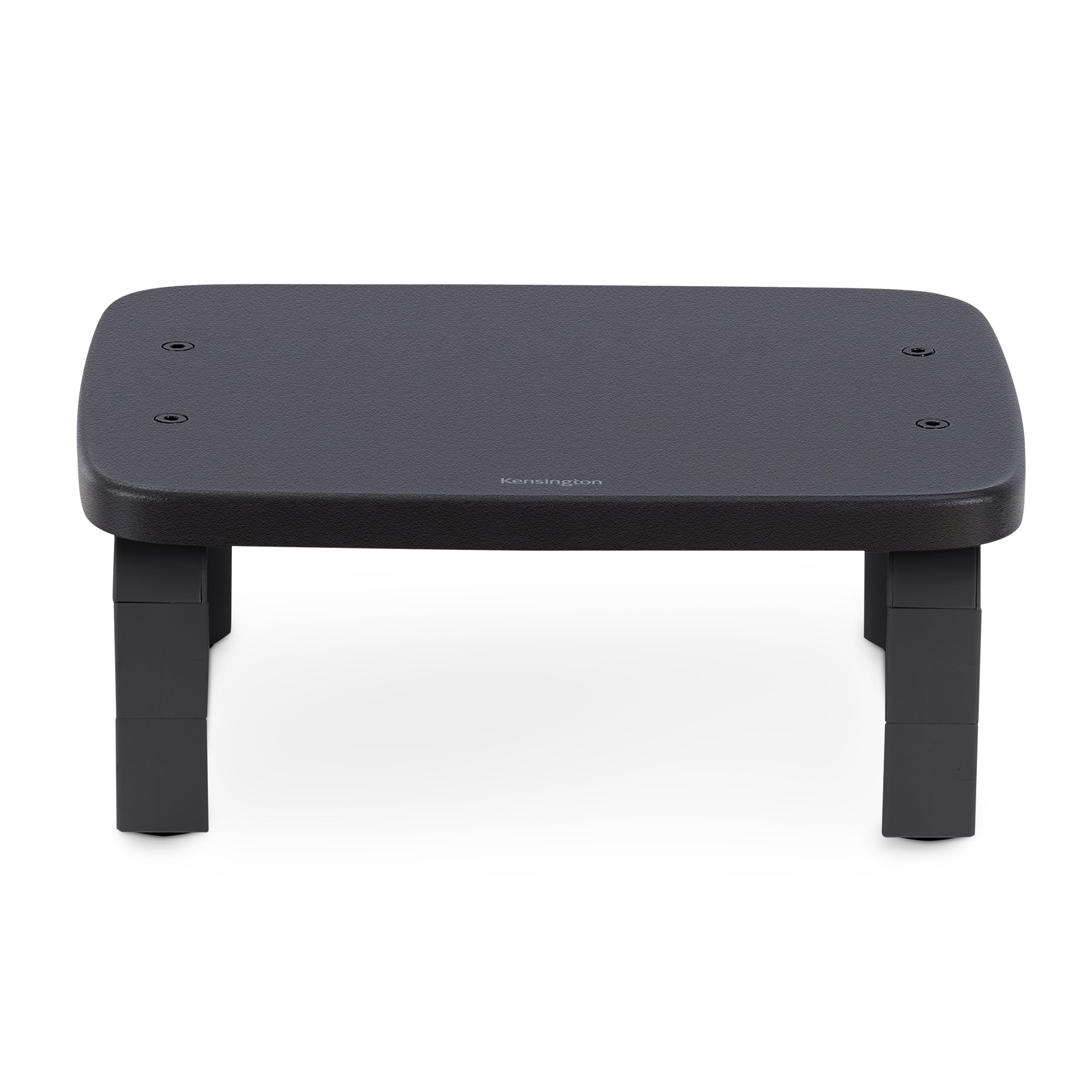
Neck pain is often the result of improper monitor height. The Kensington SmartFit system allows you to adjust the elevation based on your specific eye level.
We found the assembly process takes less than two minutes. The sturdy legs support monitors up to 40 pounds without wobbling.
Kensington SmartFit Monitor Stand
- Key Advantage: Patented color-coded height customization
- Specifications: 11.5 x 16.5 x 4.5 inches, supports up to 40lbs
- Warranty / Support: Limited lifetime warranty
What We Liked
- Simple, tool-free setup
- Extra desk storage space underneath
Things to Consider
- Plastic build feels less premium
3. HumanCentric Vertical Laptop Stand
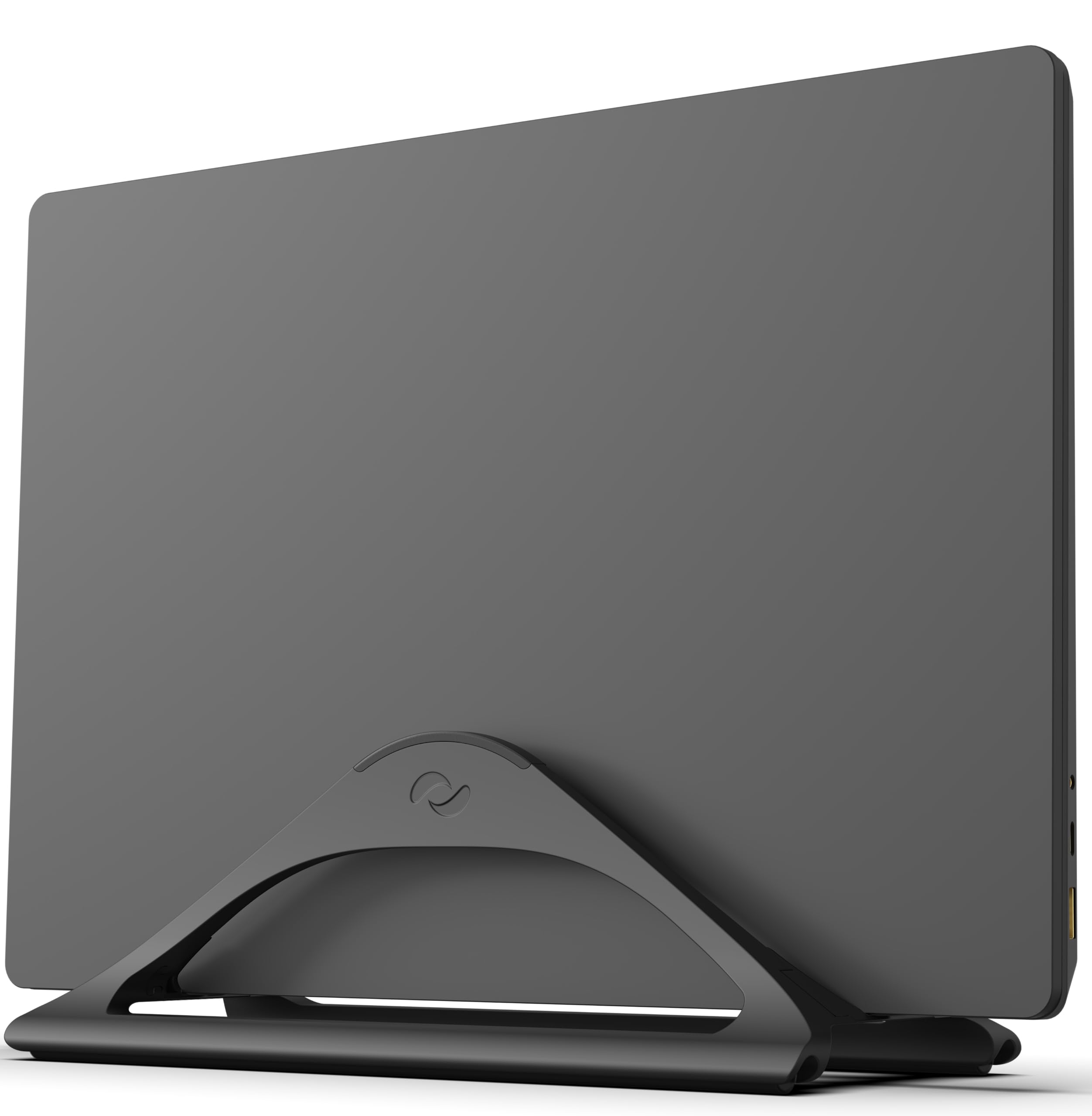
Storing your laptop vertically is the smartest way to reclaim desk space. This stand from HumanCentric features a heavy-duty aluminum build that prevents tipping.
We tested it with a 16-inch MacBook Pro and a thick Windows workstation. The adjustable width accommodates devices with or without protective cases.
HumanCentric Vertical Laptop Stand
- Key Advantage: Adjustable width screw mechanism
- Specifications: Anodized aluminum finish, non-slip silicone pads
- Warranty / Support: 1-year warranty
What We Liked
- Rock-solid stability
- Sleek aesthetic matches modern tech
Things to Consider
- Does not include cable management
4. Uplift Desk Bamboo Under Desk Keyboard Tray
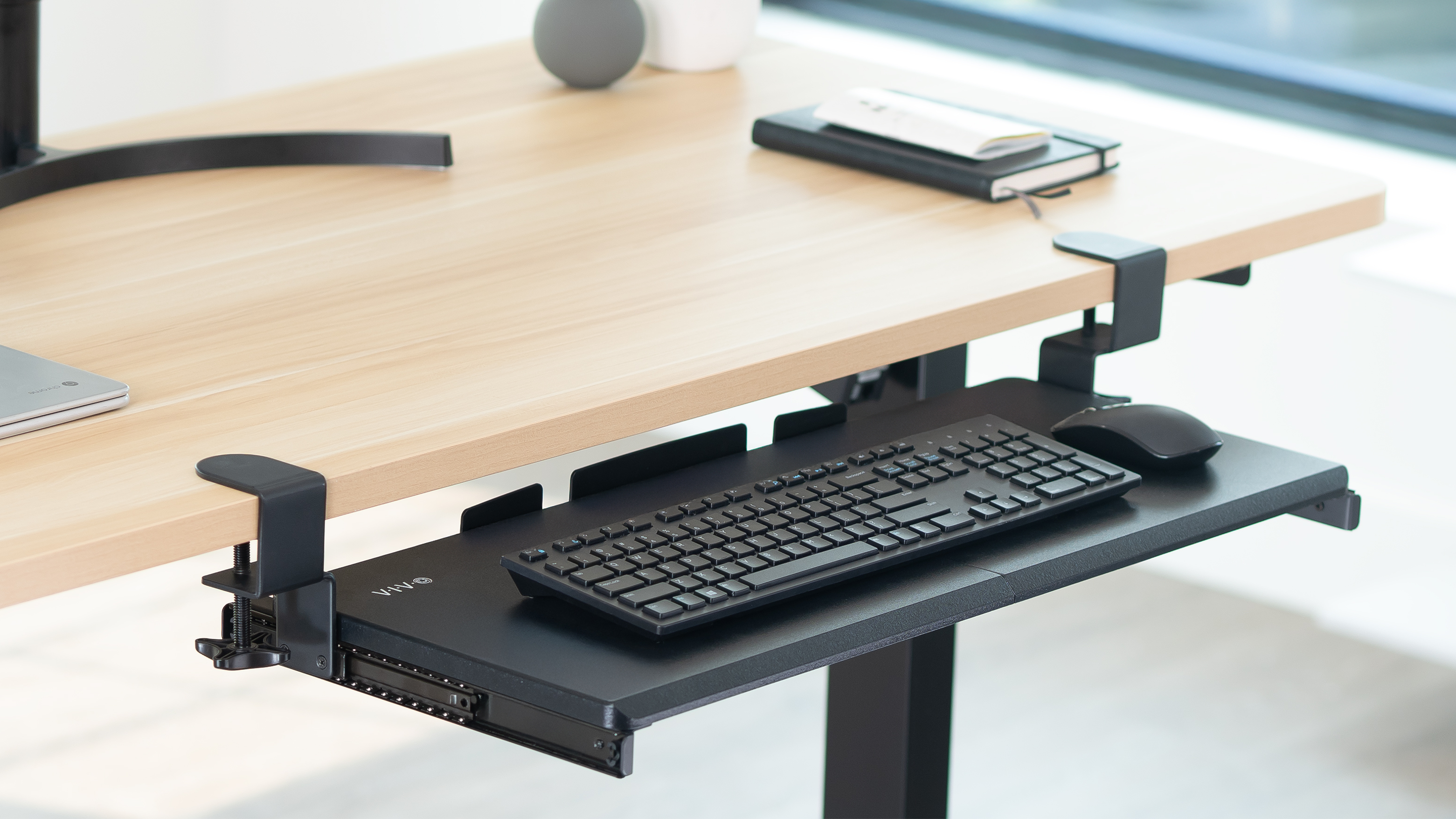
An under-desk tray moves your typing surface to the correct height, forcing your elbows into a 90-degree angle. The Uplift bamboo tray is one of the most robust units we have installed.
The 360-degree swivel allows you to tuck the keyboard away when not in use. It provides enough surface area for both a full-sized keyboard and a mouse.
Uplift Desk Bamboo Under Desk Keyboard Tray
- Key Advantage: Sustainably sourced bamboo construction
- Specifications: 27-inch width, adjustable tilt angle
- Warranty / Support: 15-year warranty
What We Liked
- High-quality materials
- Smooth sliding mechanism
Things to Consider
- Requires a drill for installation
5. VariDesk Pro Plus 36

The VariDesk Pro Plus 36 is our recommendation for those who cannot replace their existing desk but want sit-stand functionality. It uses a counter-balanced spring mechanism that makes raising the desk effortless.
During our testing, the dual-tier design proved superior for keeping monitors at eye level while keeping the keyboard at arm-rest level. It is heavy, so ensure your current desk can support the weight.
VariDesk Pro Plus 36
- Key Advantage: 11 height settings
- Specifications: 36-inch wide surface, 35lb lift capacity
- Warranty / Support: 5-year warranty
What We Liked
- No assembly required
- Extremely stable at full extension
Things to Consider
- Large footprint takes up significant desk space
How to Choose the Best Ergonomic Accessories for Your Needs
Prioritize adjustability above all else. Every individual has different limb lengths and torso heights, so gear that cannot be customized will eventually lead to discomfort.
Consider your desk surface material. Clamps require a sturdy desktop, while adhesive options are better for glass or thin surfaces.
💡 Pro Buying Tip: Measure your desk depth before purchasing a keyboard tray or riser. Many users find their desk is too shallow for large trays after they have already unpacked the box.


