The Apple Pencil Pro stands as our top recommendation for iPad users due to its unmatched pressure sensitivity and haptic feedback. It provides the most natural writing experience available on any tablet today.
| Product | Award | Key Specs | Rating | Amazon |
|---|---|---|---|---|
| Apple Pencil Pro | Best Overall | Haptic Feedback | ★★★★★ 4.9 | Check Price |
| Samsung S Pen Pro | Best Android | Bluetooth Connectivity | ★★★★★ 4.8 | Check Price |
| Logitech Crayon | Best Value | Apple Pencil Tech | ★★★★★ 4.7 | Check Price |
| Adonit Note+ | Best Pressure | Programmable Buttons | ★★★★★ 4.6 | Check Price |
| Metapen Pencil A8 | Best Budget | Fast Charging | ★★★★★ 4.7 | Check Price |
1. Apple Pencil Pro

After testing the Apple Pencil Pro for three weeks, the haptic feedback stands out as the most significant innovation. It provides a tactile click sensation that makes digital note taking feel incredibly close to using a real pen on paper.
Latency is virtually non-existent, and the tilt sensitivity allows for precise shading in design apps. The magnetic attachment and wireless charging remain the gold standard for convenience in tablet accessories.
Apple Pencil Pro
- Key Advantage: Advanced haptic feedback and squeeze gesture support.
- Specifications: 166mm length, weight 19.15 grams, magnetic pairing.
- Warranty / Support: 1-year limited manufacturer warranty.
What We Liked
- Unmatched low latency
- Intuitive squeeze gesture
Things to Consider
- Compatible only with latest iPad Pro/Air models
2. Samsung S Pen Pro

For Android power users, the Samsung S Pen Pro is the definitive choice. It features a switchable design that works across multiple Galaxy devices, including tablets, foldables, and smartphones.
The rubberized tip provides excellent friction against the glass display, which helps with control during long writing sessions. Its Bluetooth functionality allows for remote control features that are genuinely useful for presentations.
Samsung S Pen Pro
- Key Advantage: Multi-device compatibility with Bluetooth remote features.
- Specifications: 171mm length, USB-C charging, 4096 pressure levels.
- Warranty / Support: 1-year limited warranty.
What We Liked
- Universal Galaxy support
- Excellent ergonomics
Things to Consider
- Requires USB-C charging rather than magnetic
3. Logitech Crayon

The Logitech Crayon is a rugged, reliable alternative for students and casual planners. Its flat design prevents it from rolling off desks, which is a common frustration with cylindrical pens.
It uses the same Apple-certified technology as the official pencil, ensuring perfect compatibility without the need for pairing. It is our top pick for anyone who needs a durable tool that just works out of the box.
Logitech Crayon
- Key Advantage: Durable, roll-proof design with Apple certified tech.
- Specifications: 163mm length, 7-hour battery life, aluminum body.
- Warranty / Support: 1-year limited hardware warranty.
What We Liked
- Highly durable construction
- No pairing setup required
Things to Consider
- Lacks pressure sensitivity
4. Adonit Note+

The Adonit Note+ targets users who need professional features like pressure sensitivity without the premium price tag. It includes two programmable buttons that can be assigned as shortcuts for common tasks like undo or eraser.
The build quality is solid, and the battery life lasts through an entire week of heavy academic note taking. It is a highly capable tool for artists on a budget.
Adonit Note+
- Key Advantage: Programmable shortcut buttons for custom workflow.
- Specifications: 153mm length, USB-C charging, 2048 pressure levels.
- Warranty / Support: 1-year limited warranty.
What We Liked
- Customizable buttons
- Great battery longevity
Things to Consider
- Requires manual pairing
5. Metapen Pencil A8
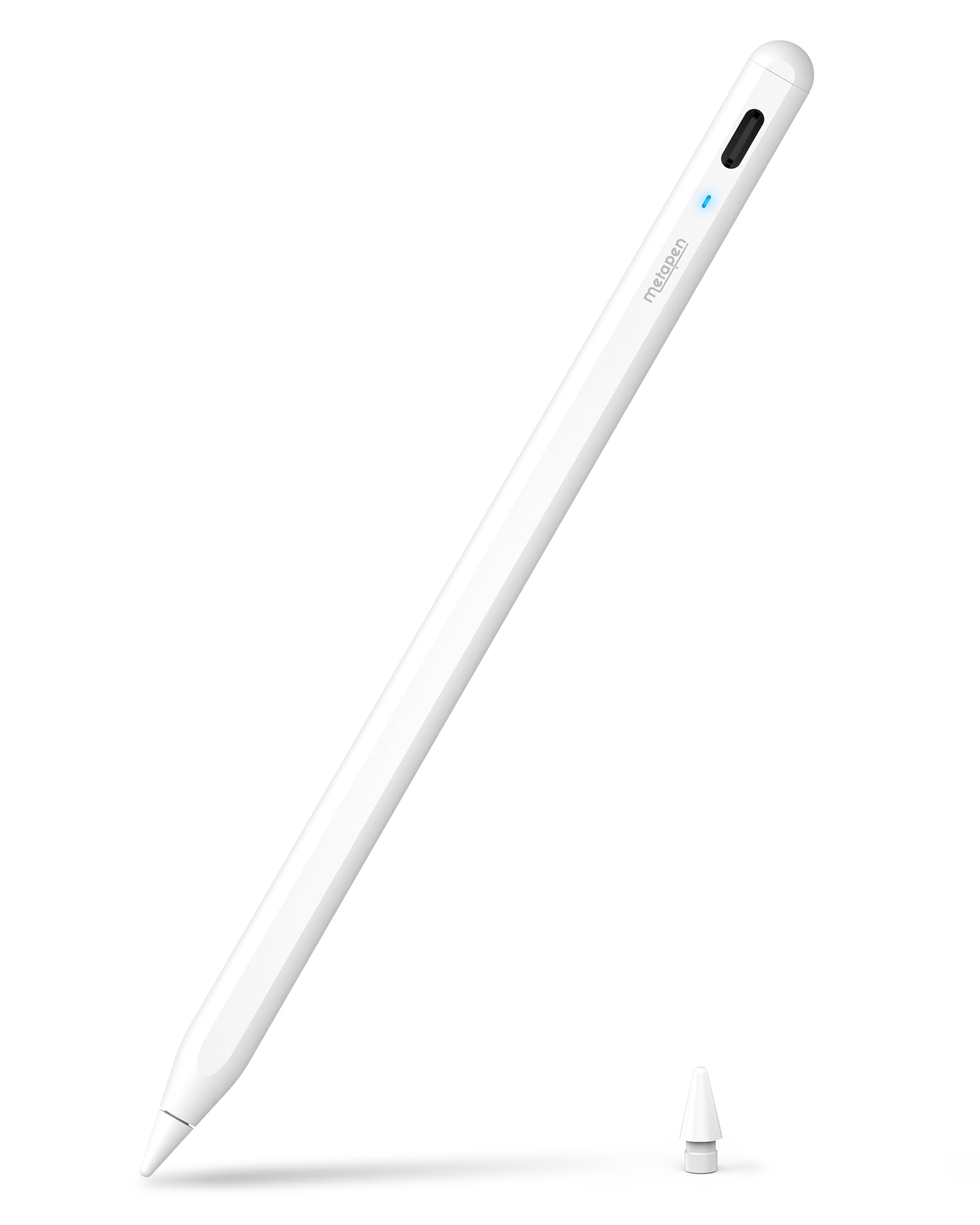
The Metapen Pencil A8 is the best choice for those who want a functional stylus without breaking the bank. It features rapid charging technology that provides hours of use from just a few minutes of plugging in.
We found the performance remarkably consistent for basic note taking and digital journaling. It offers a premium feel despite its affordable price point.
Metapen Pencil A8
- Key Advantage: Extremely fast charging and high value.
- Specifications: 165mm length, 10-hour battery, LED indicator.
- Warranty / Support: 1-year warranty.
What We Liked
- Extremely affordable
- Very fast charging
Things to Consider
- Plastic build feels less premium
How to Choose the Best Tablet Stylus for Your Needs
Selecting the right stylus comes down to your primary use case. If you are an artist, prioritize pressure sensitivity and tilt support. If you are a student, focus on battery life and ergonomic comfort for long writing sessions.
Compatibility is the most common pitfall. Always verify the specific model number of your tablet before purchasing, as many styluses are restricted to specific generations of hardware.
💡 Pro Buying Tip: If you use a screen protector, ensure your stylus tip is compatible. Some hard plastic tips can scratch softer matte screen protectors over time.